Think on paper.
Keep it digital.
Write by hand, sketch an idea, add text and highlight what matters. Start with a blank page or a paper template.
Digital notes PenNido
Your Android note-taking app
Take handwritten notes, sketch ideas and annotate PDFs on Android. Bring your digital notebooks into a 3D workspace that feels like yours.
Room to think
Write by hand, sketch an idea, add text and highlight what matters. Start with a blank page or a paper template.
Digital notesRead and mark up PDFs, then bring your own thoughts into a notebook. Your reading and writing belong together.
PDF annotationKeep your pages in notebooks and folders. Find a favorite page, browse your library and make each cover your own.
Your workspaceMake it yours
A few designs to start with. Open the collections to browse every style in the app.
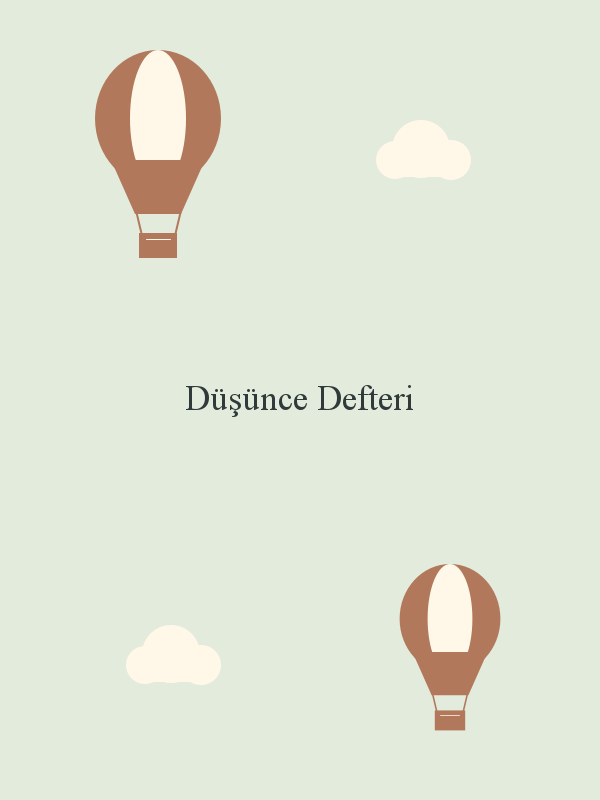
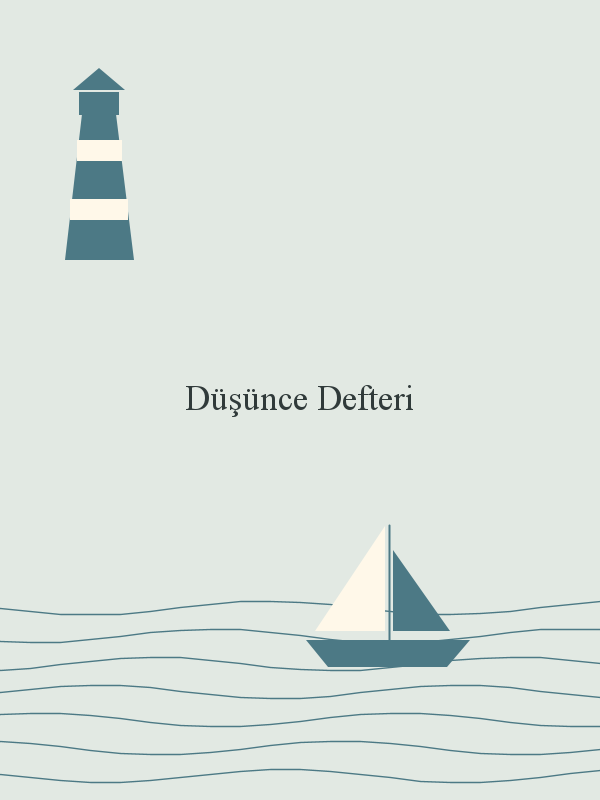
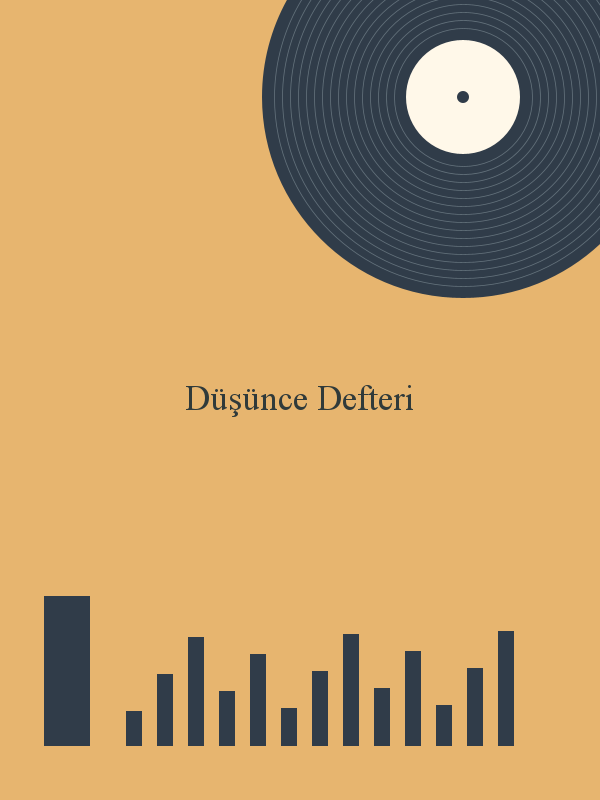
Set the scene
Three favorites from 24 3D environments. From a warm study to a music studio, there’s more than one way to settle in. Try a mood below, or explore the full collection.
Stay in the flow
Your notebook sits to the left of its linked PDF. Watch them move together, just like the four-finger switch in the app.
Notebook + linked PDFInteractive previewNotebook on the left. Linked PDF on the right.
You followed a SmartLink and came back to your notes. That’s the flow.
Interactive website illustration using Pennido’s 3D scenes. The four-finger gesture switches workspaces in the Android app; it does not turn PDF pages.
Place four fingers on a blank part of the page. Swipe left to your linked PDF; swipe right to your notebook.
Crop an area → tap SmartLink → place it from Clipboard. Tap the linked clipping in the notebook above to find its original excerpt.
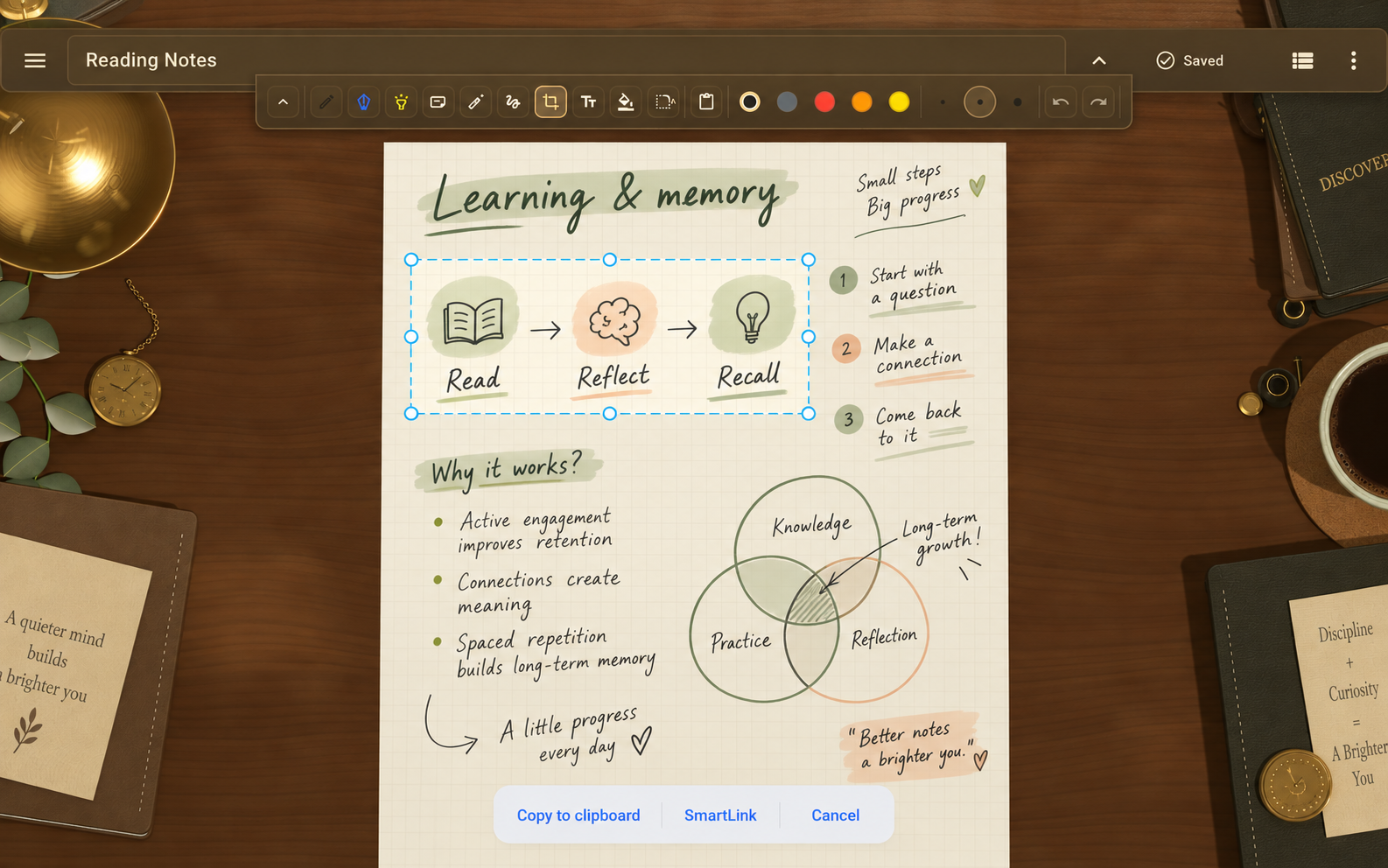
Choose an area in a PDF or note with Crop. Tap SmartLink to save it to Clipboard, then choose the item and place it in your note. Keep the original document available so the link can find it.
Edited app screenshot · Illustrative contentYour next notebook
The first release will be completely free.
The download link will appear here when Pennido is available.